My MPA Journey...
Quality Assurance
Review your Code online
The "hello3 site" is about 12MB including all assets. This site is not meant to be a production site but rather a demonstration of how to build a simple multi-page application (MPA) using Go. So the tests below will not show good scores for social media presence. The over all goal is to make a simple, fast and secure site. Though only 2 pages and no optimized images (still jpg - not webp).
1. Add Sitemap + robots.txt
Create a sitemap.xml file and place it within the seo folder together with the robots.txt file. The Go init.go is already prepared to serve these file to the root. Then add this sitemap to Google Search Console to help Google find and index your pages. A benefit for some test tools. Note that robots.txt refers to the sitemap.
<?xml version="1.0" encoding="UTF-8"?>
<urlset
      xmlns="http://www.sitemaps.org/schemas/sitemap/0.9"
      xmlns:xsi="http://www.w3.org/2001/XMLSchema-instance"
      xsi:schemaLocation="http://www.sitemaps.org/schemas/sitemap/0.9
            http://www.sitemaps.org/schemas/sitemap/0.9/sitemap.xsd">
<!-- created with Free Online Sitemap Generator www.xml-sitemaps.com -->


<url>
  <loc>https://hello3.go4webdev.org/</loc>
  <lastmod>2026-01-20T18:15:57+00:00</lastmod>
  <priority>1.00</priority>
</url>
<url>
  <loc>https://hello3.go4webdev.org/gvp</loc>
  <lastmod>2026-01-20T18:15:57+00:00</lastmod>
  <priority>0.80</priority>
</url>
<url>
  <loc>https://hello3.go4webdev.org/home</loc>
  <lastmod>2026-01-20T18:15:57+00:00</lastmod>
  <priority>0.64</priority>
</url>


</urlset>
Sitemap: https://hello3.go4webdev.org/seo/sitemap.xml
User-agent: *
Allow: /
2. Check using pagespeed.web.dev
Use Google's PageSpeed Insights to analyze the performance of your web pages. It provides suggestions to make your pages both faster and better. Test both mobile and desktop versions.
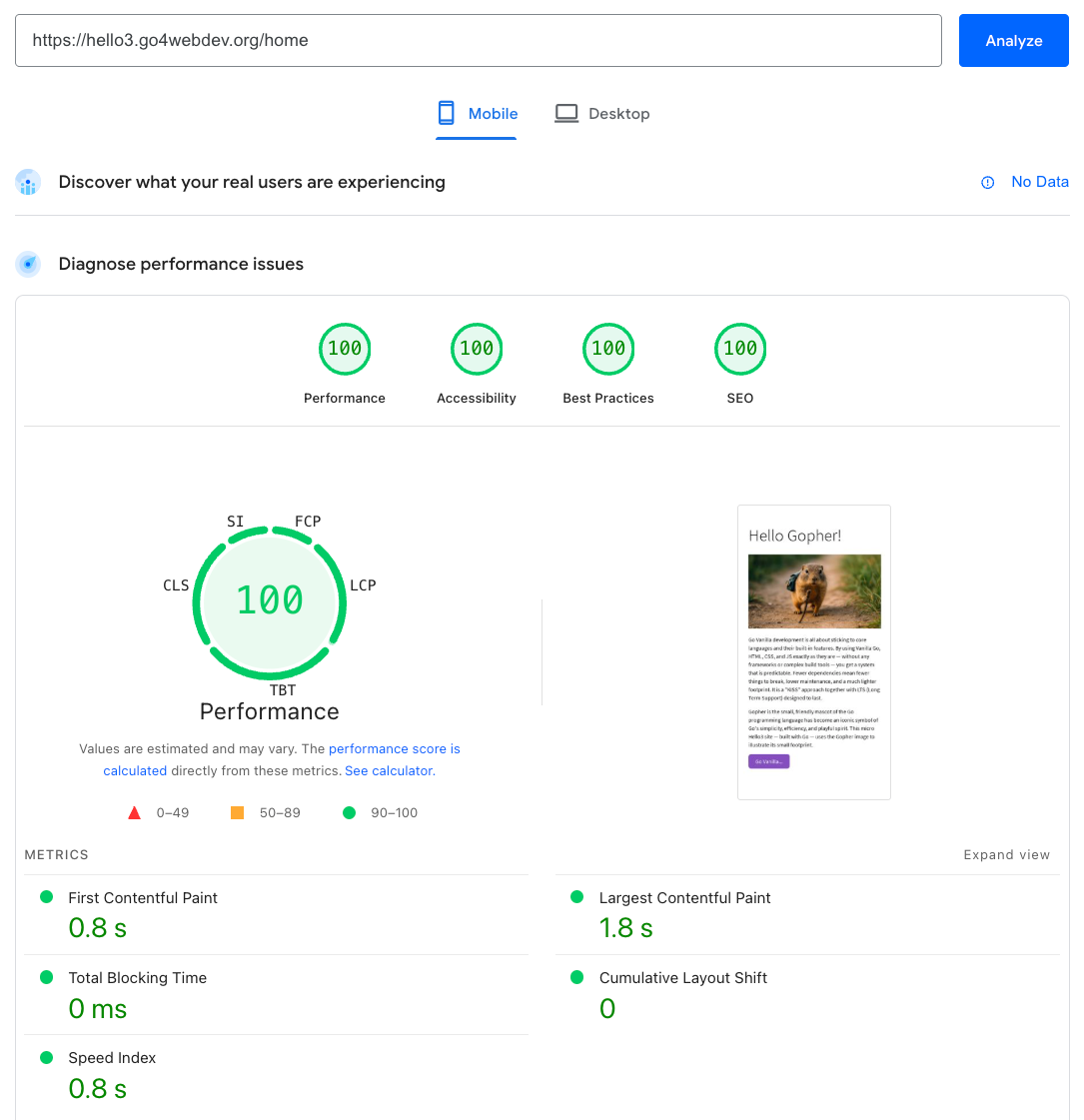 Test with
PageSpeed
Test with
PageSpeed
3. Check Security Headers
CSP and other security headers are important for protecting your site from various attacks. Use a tool like securityheaders.com to check your headers.
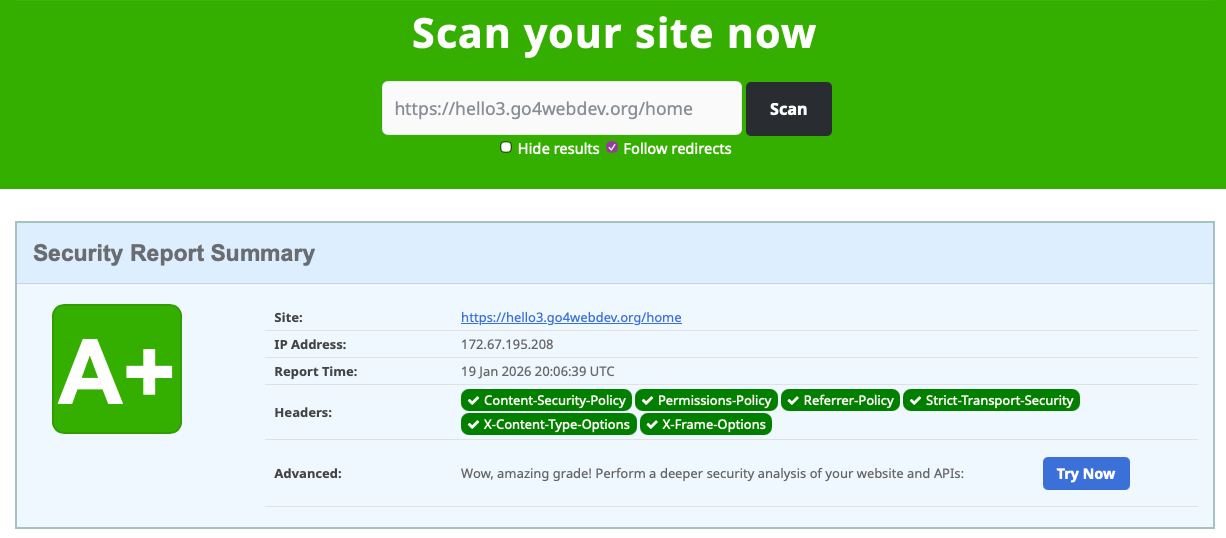 Check
Security Headers
Check
Security Headers
4. Check using GTmetrix
GTmetrix is a tool that combines PageSpeed Insights and GTmetrix to provide comprehensive performance analysis. It offers some extra insights into how to optimize your site for better speed and user experience.
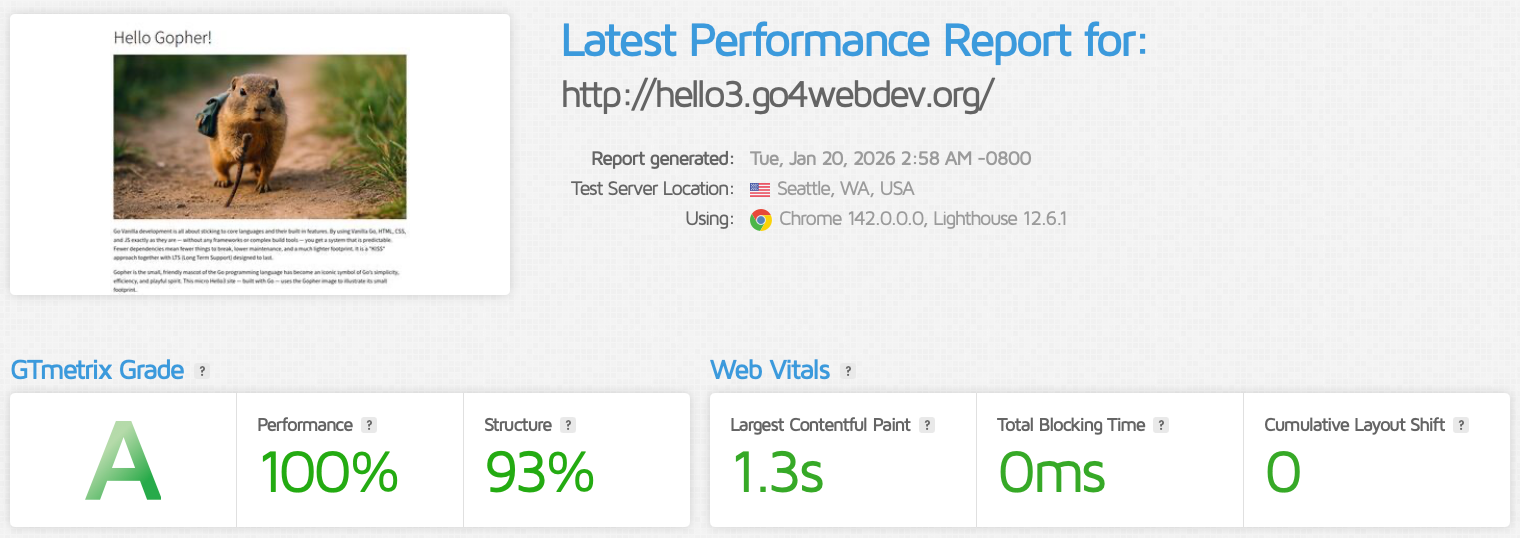 Check with
GTmetrix
Check with
GTmetrix
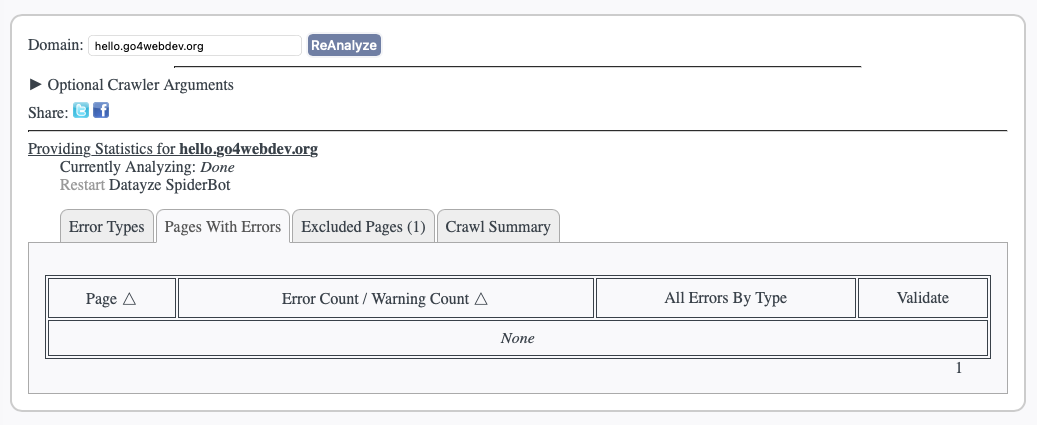
5. Check HTML
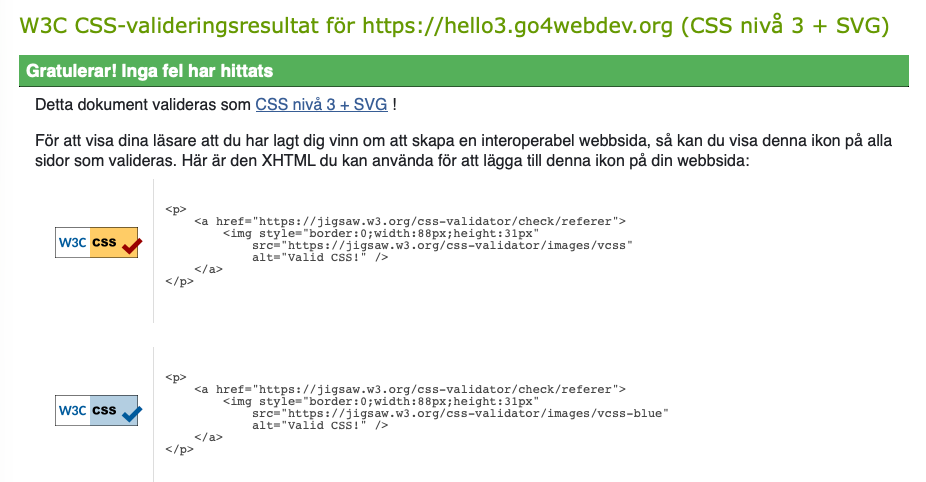
6. Check CSS
7. Check Accessibility
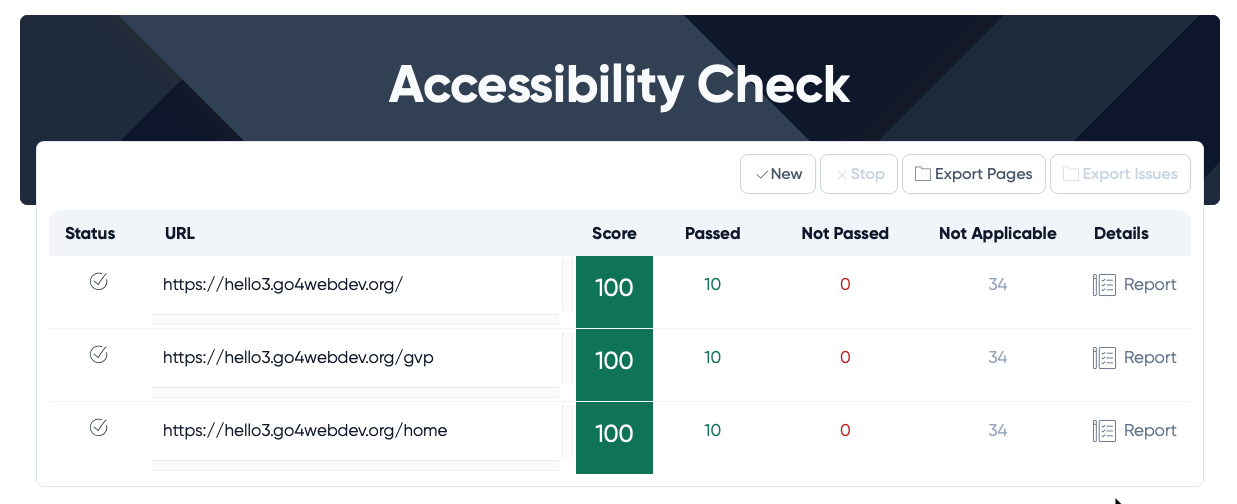
Accessibility is an important aspect of web development. It is about contrast, character size, screen reader compatibility etc. Use tools like experte.com to evaluate your site's accessibility.
 Check Accessibility
8. Check Carbon Rate
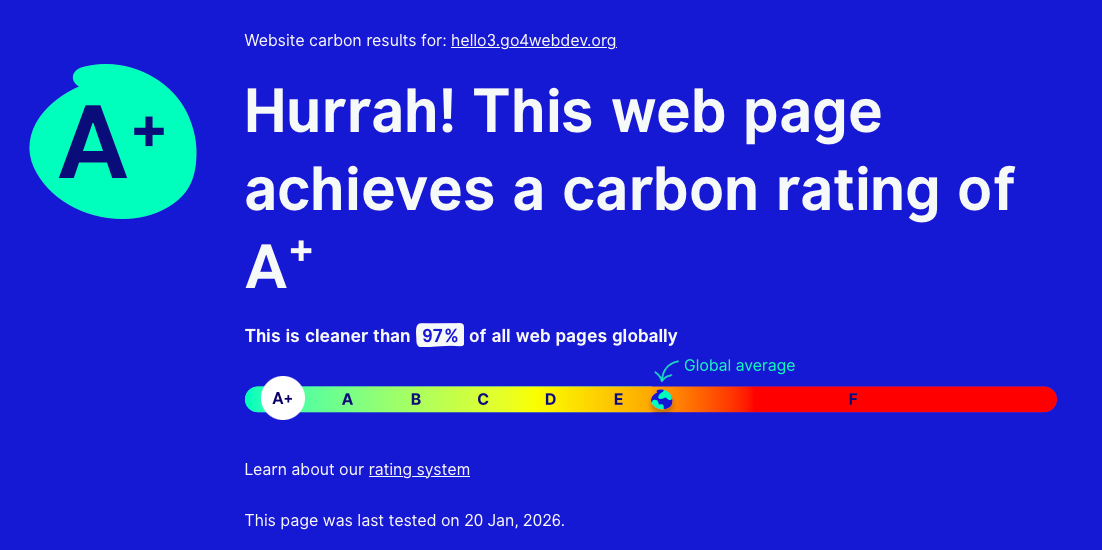
The concept of a website's carbon rate is debated, but it can still be a useful indicator of how your site impacts both cost and environmental footprint. Smaller, faster sites generally require less server capacity, which can reduce hosting expenses and improve UX. Carbon rate tools estimate the energy usage associated with loading your pages. You can use the links below to explore your site's approximate carbon footprint.
 Check
Carbon
Rate 1
Check Carbon
Rate 2
Check
Carbon
Rate 1
Check Carbon
Rate 2
9. Check Broken Links
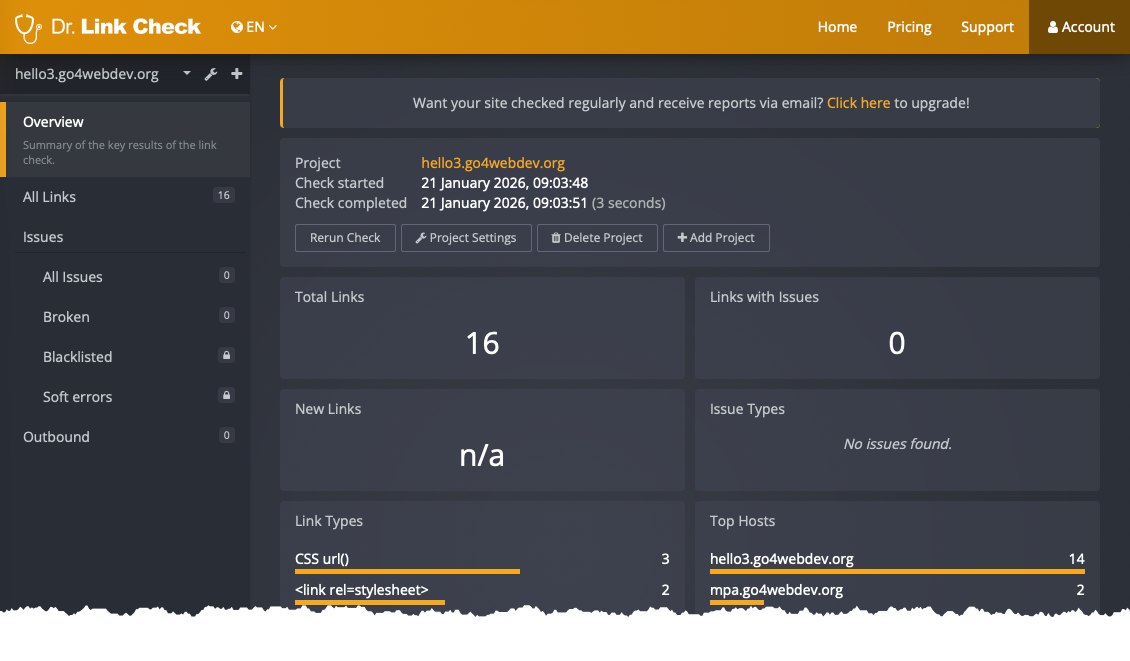
Broken links can negatively impact your business, UX and SEO. Use tools like below to identify and fix any broken links on your site.
 Check Broken
Links
Check Broken
Links
10. Check Cross Browser
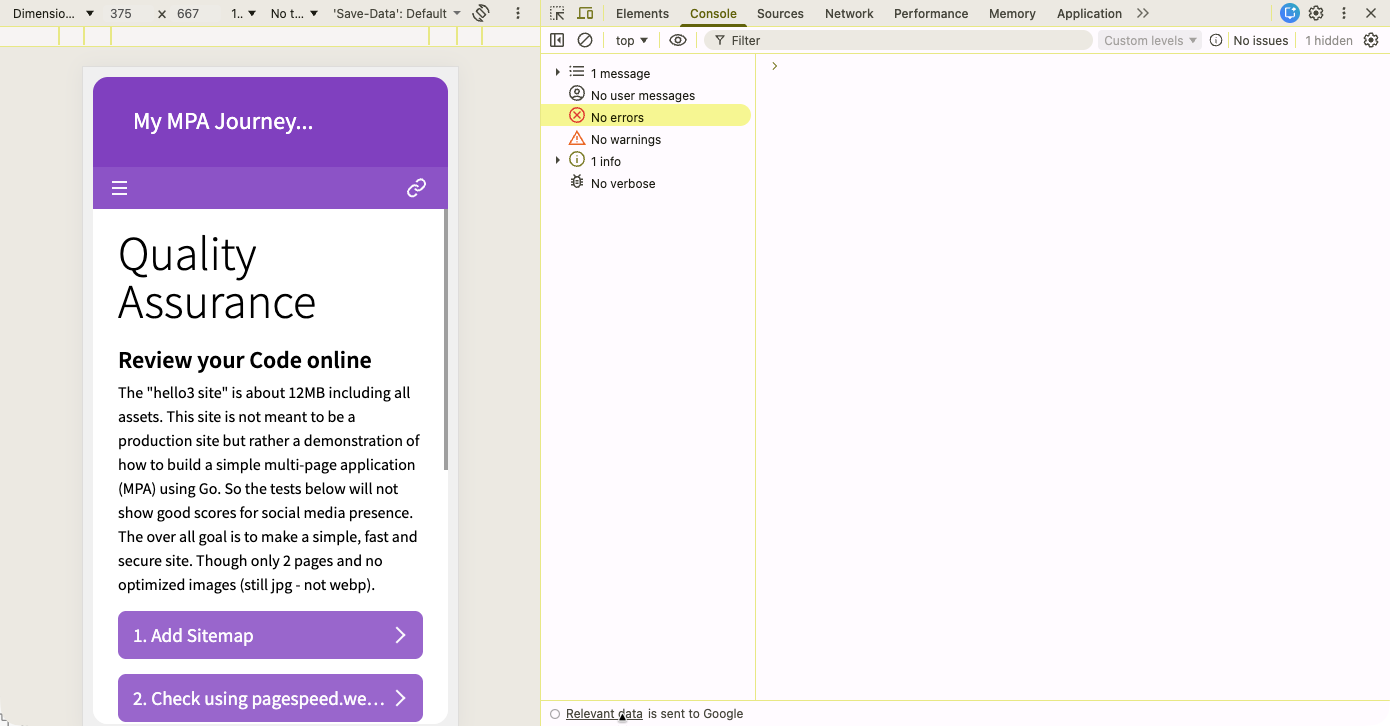
Live check using several browsers you may find consol errors and zoom issues. Right click on the page and hit Inspect (or similar). Use the built in mobile testing tools to check your site's responsiveness. The inspection tools is a powerful way to debug your site.
 Check
Different Browsers
Check
Different Browsers
11. Check SSL
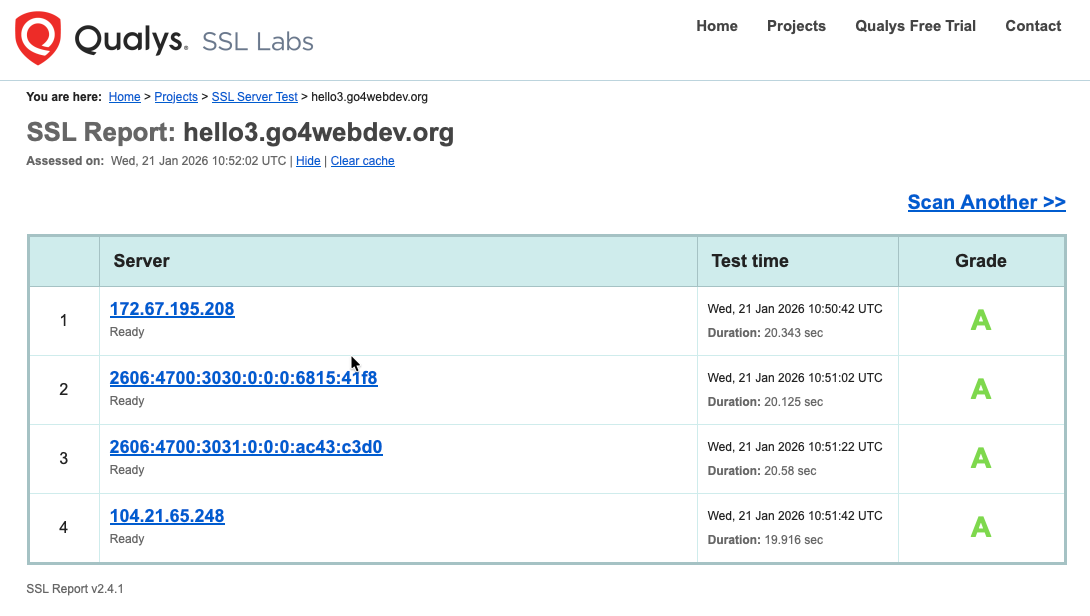
SSL is about secure "transfer" of data. Check your SSL configuration to ensure your site is secure. A tool like SSL Labs provides a detailed analysis of your SSL setup and grades its security level.
 Check
SSL
Check
SSL